
For shop owners
How to keep your shop page fresh: hours, photos, contacts and reviews
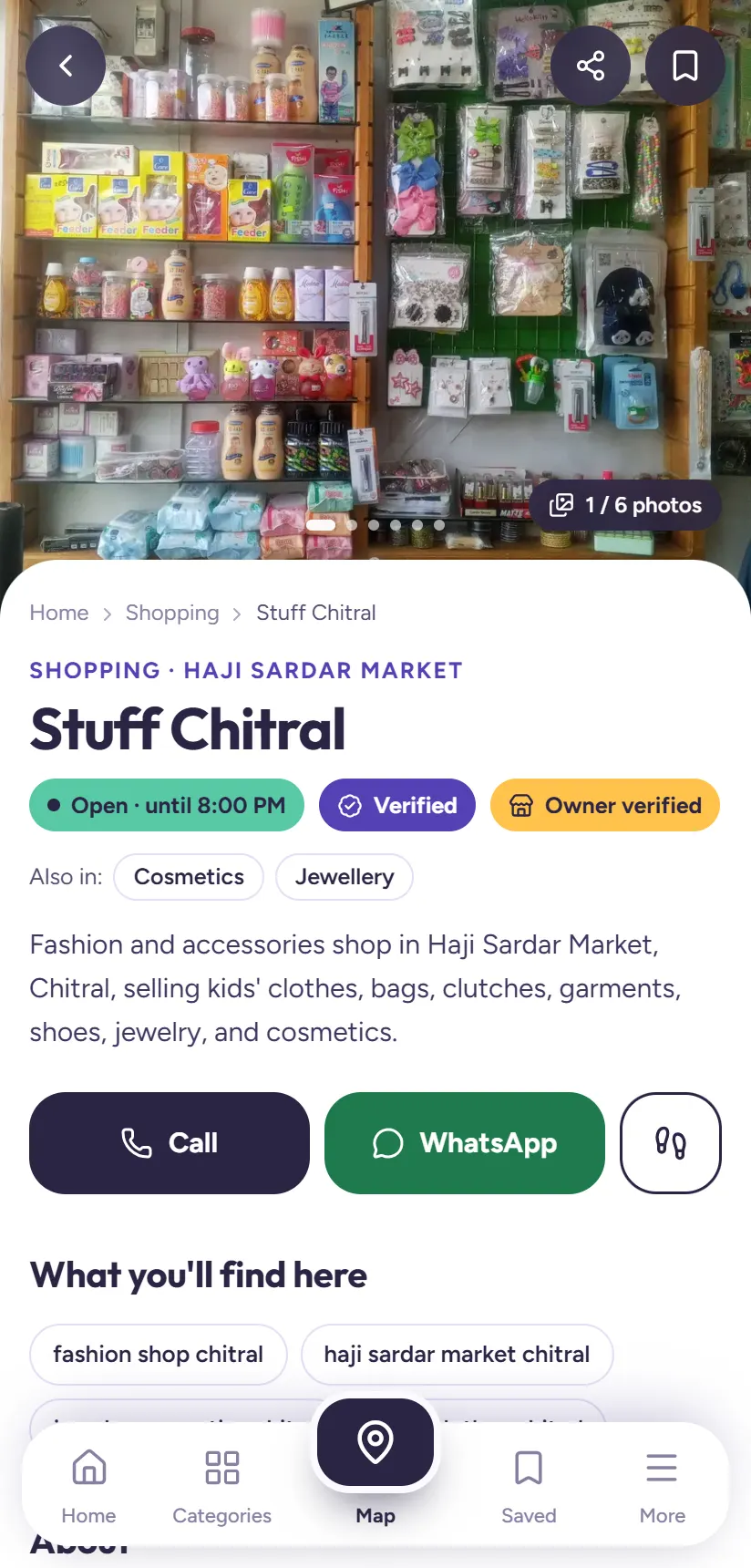
A shop page that is up to date gets more customers. When your hours are right, people see Open now and come. When your photos show the shop front, they find you in the bazaar. When you list what you sell, you appear in more searches.
Once you've claimed your shop, you can keep all of this current yourself in a few minutes a week. Here's how.
1Sign in to your shop
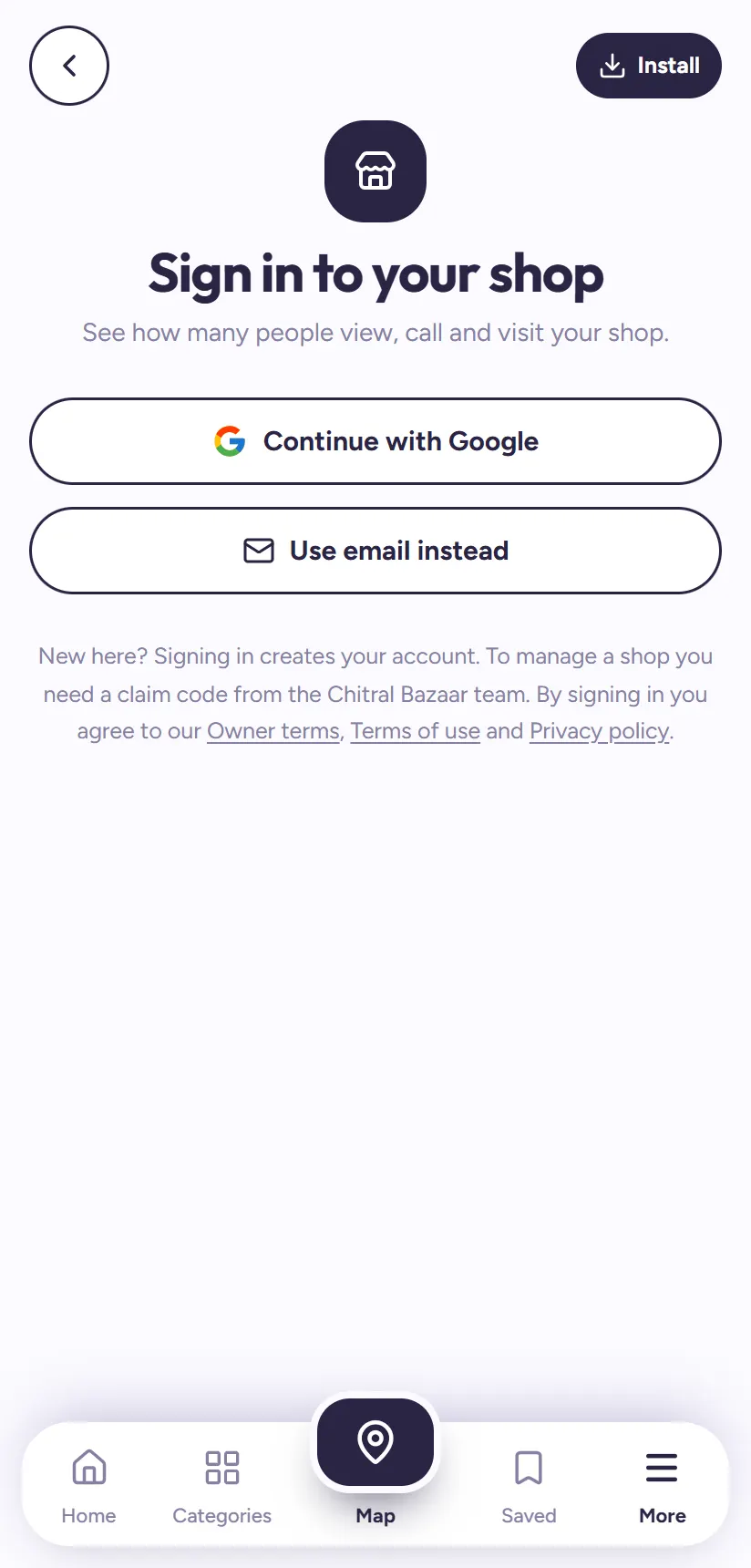
Open chitralbazaar.com/owner, or tap My shop at the top of the Home page. Sign in with Continue with Google or Use email instead, the same way you did when you claimed the shop.
Your dashboard has five tabs at the bottom: Overview, Products, Edit shop, Grow and Account. Each one also has its Urdu label.
2Closed today or on holiday? Say so
In Edit shop, the first card is Closed today or on holiday? Choose Closed today, or Closed for some days and pick the day you reopen. You can add a short note, like "Eid holidays" or "family wedding".
Customers then see Closed instead of your usual hours, so nobody makes a wasted trip. It ends by itself on the day you chose.
3Set your opening hours
Open Opening hours and set your times for each day. Closed on Fridays after midday? Add a break, so customers see the right times around Jummah. Mark days you don't open as closed.
Correct hours matter: every search result shows Open now or Closed from these times, and people can filter to open shops only.
4Tell people what you sell
In What you sell, add the products, brands and services customers search for, in their words: "school uniforms", "Infinix screens", "birthday cakes", "dry fruits". Search uses these right away, so you start appearing for those words the same day.
In About your shop, write one or two lines that show under your shop's name: what you're known for and where you are.
Tip: Look at Overview → People found you by searching. It shows the exact words people typed before opening your shop. Add similar words you sell.
5Add up to three good photos
Under Photos, add up to three pictures. The front of the shop with its signboard works best, because it helps people recognise you in the bazaar. Add one inside the shop too. Choose which photo is the main photo shown in search results.
Photos appear on your page straight away.
6Change your name, phone or location
Under Contact & location you can change the shop's name, category, phone, WhatsApp number, bazaar area and map pin. To protect customers from wrong or fake numbers, these changes are checked by our team before they appear. Your page shows the old details until then, and your dashboard shows each change as pending, approved or not accepted.
7Reply to reviews
When someone reviews your shop, it shows in Overview → Reviews, including how many still need a reply. Tap a review to write one public reply under it.
Thank people for good reviews. For a complaint, reply politely with what you've done about it. Customers reading reviews notice shops that care.
Watch your numbers grow
Overview shows how many people opened your page each day, how many called, sent a WhatsApp or used Visit Shop, and your busiest days and times. Grow shows how complete your page is as a percentage, with a share kit to send your page link to customers on WhatsApp and Facebook.
Tip: Want more customers? You can also get your shop Featured at the top of your category.
Questions people ask
Do my changes show immediately?
Opening hours, Closed today, what you sell, the short description and photos show straight away. The shop name, category, phone, WhatsApp, area and map pin are checked by our team first.
How many photos can I add?
Up to three. The shop front with its sign, and one inside the shop, work best.
Can I delete a bad review?
No, owners can't remove reviews, which keeps them fair. You can reply publicly, and if a review breaks the rules (fake, abusive, contains phone numbers), tap Report and our team will check it.
Is managing my shop page free?
Yes. Claiming and managing your shop page is free.
Can't find a shop?
Tell us about it on the Suggest a shop page, and we'll add it so others can find it too.