
For shop owners
How to book Shop of the Week on Chitral Bazaar
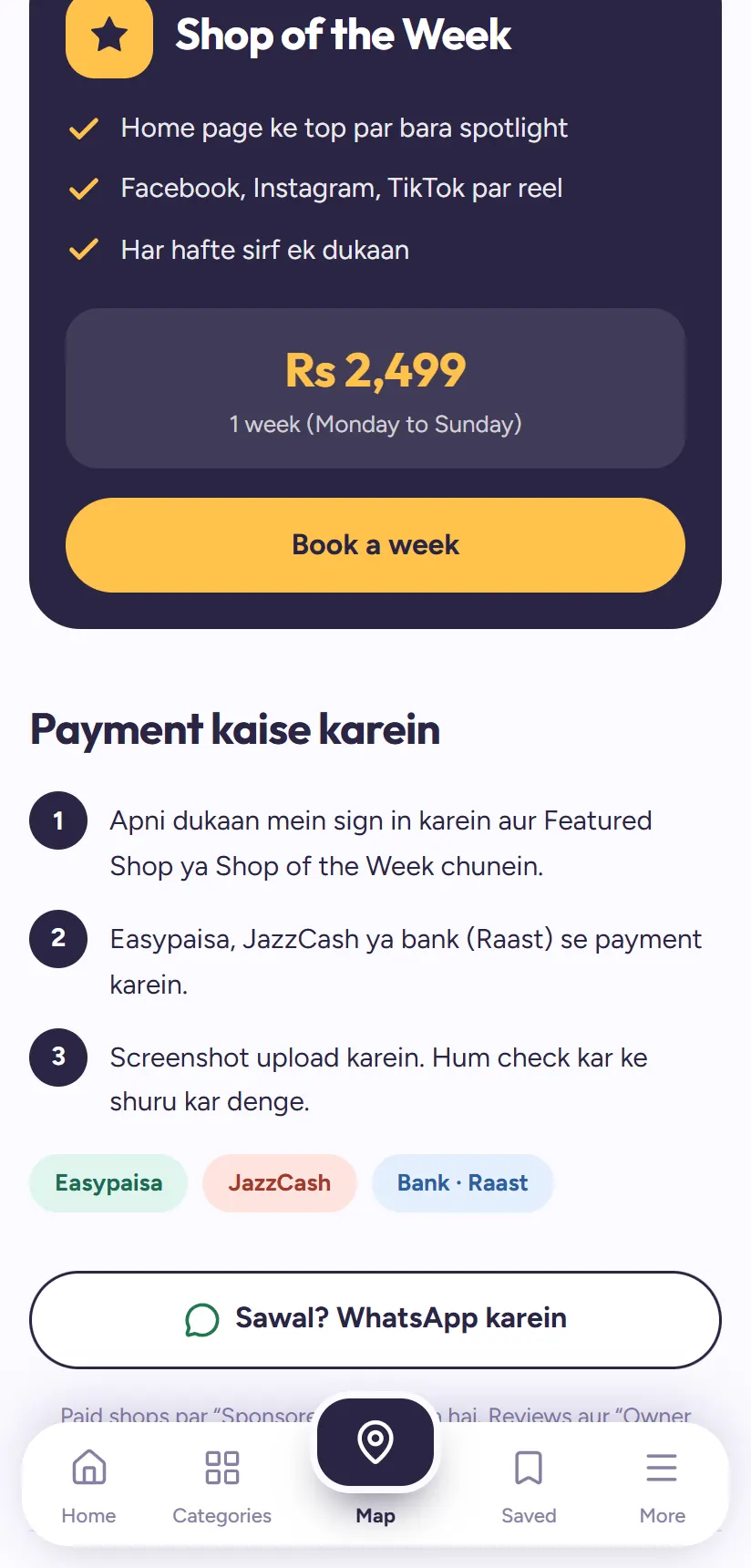
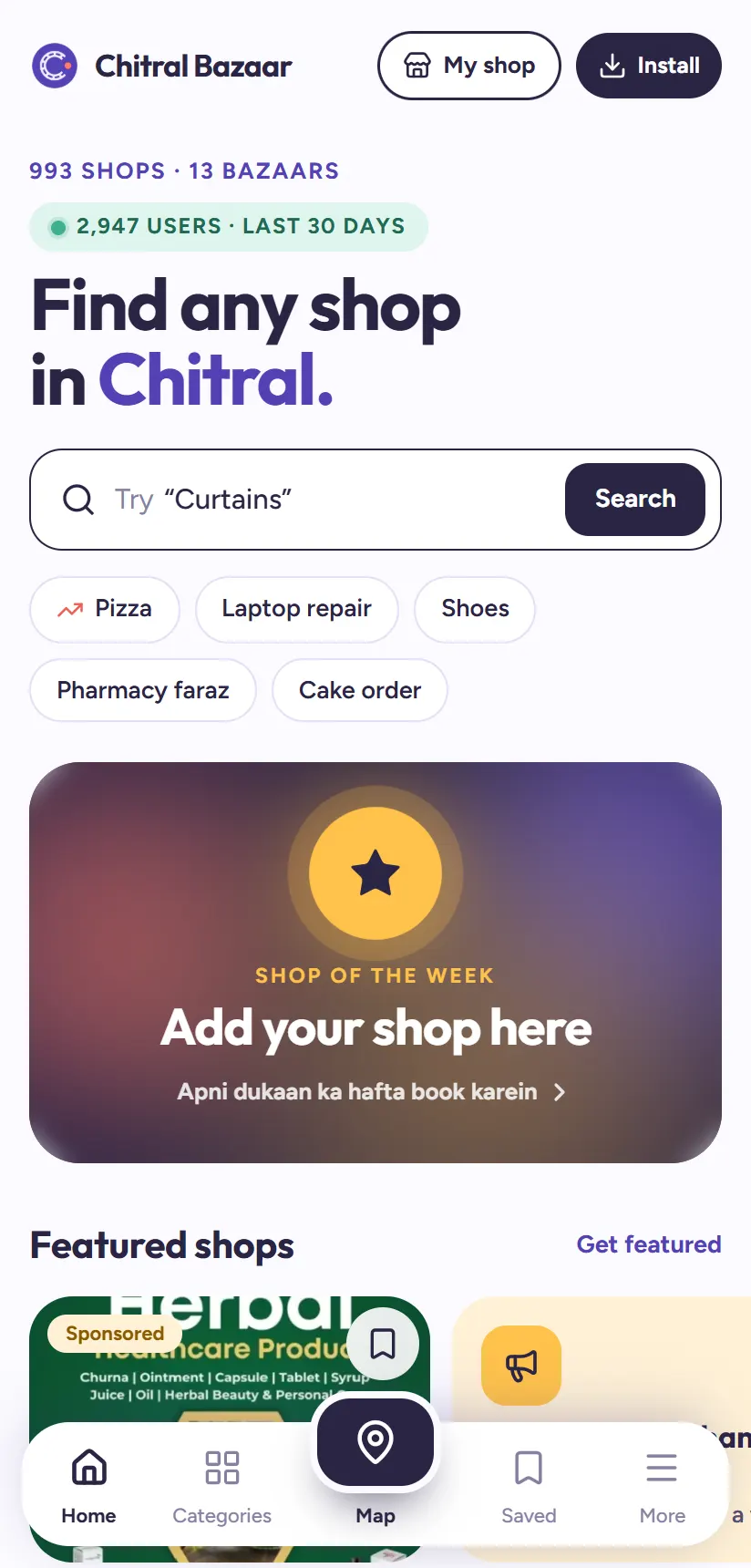
Shop of the Week is the biggest spotlight on Chitral Bazaar. For one full week, Monday to Sunday, your shop is the first thing everyone sees when they open the app, with a short video of your shop playing right on the Home page.
Only one shop gets it each week, so weeks are booked in advance. Here's what's included and how to book yours.
What you get
Shop of the Week includes:
- The top of the Home page for a whole week. The big card at the top shows your shop's name, category and bazaar, with your video playing silently inside it.
- Your video, full screen. Tapping Watch opens your reel full screen with sound, like TikTok, with View shop, Call and WhatsApp buttons right there.
- A reel on our Facebook, Instagram and TikTok, to reach people beyond the app.
- One shop only, each week. Nobody shares your spotlight.
What it costs
Rs 2,499 for one week, from Monday to Sunday. You can book any free week in the coming weeks; booked weeks are shown as taken.
1Book your week
Your shop needs to be claimed first. Then sign in at chitralbazaar.com/owner, open Grow → Advertise, choose Shop of the Week, and pick a free week. You can also tap Book a week on the Advertise page.
2Pay and upload the screenshot
Pay Rs 2,499 by Easypaisa, JazzCash or bank (Raast) to the account shown. Then upload a screenshot of the payment and type the transaction ID from the SMS. Our team checks it and confirms your week.
3Send us your shop's video
The video is what makes Shop of the Week stand out. Record it on your phone and send it to our team on WhatsApp as a Document, not as a normal video, so it isn't squashed. We prepare it and put it live for your week.
- Hold the phone upright (vertical video).
- Keep it 15 to 30 seconds. The maximum is 45 seconds.
- Shoot in daylight or bright shop light, with your shop front or best products in the middle of the frame for the first few seconds.
- Say who you are and what you sell, in your own voice. Avoid film songs and copyrighted music.
- End with something to remember, like an offer, your location or "WhatsApp us from Chitral Bazaar".
4Your week goes live
On Monday your shop takes the top of the Home page, and it stays there until Sunday night. At the end of the week, ask us for your numbers: how many people saw the Home page, watched your video, opened your shop, and called or sent you a WhatsApp.
Tip: Share your week! Post it on your own WhatsApp status and Facebook: "We're Shop of the Week on Chitral Bazaar!" Your customers love seeing it, and it brings even more visits.
Make the most of your week
A few small things make a big difference to how many customers your week brings:
- Book it before a busy time: the week before Eid, before school starts, or in the wedding season.
- Have something special that week: a new arrival, a discount or a combo deal, and mention it in your video.
- Keep your WhatsApp ready. Messages come quickly when you are on top of the Home page; reply fast.
- Complete your page first: photos, opening hours and what you sell, so visitors who tap View shop find everything.
Not ready for a full week?
A Featured Shop placement puts you at the top of your category and matching searches from just Rs 199 a week, a good way to start.
Questions people ask
How much is Shop of the Week?
Rs 2,499 for one week, Monday to Sunday. Only one shop is chosen each week.
What kind of video should I send?
A vertical phone video of 15 to 30 seconds (45 at most), in good light, with your shop or products in the middle of the frame. Send it on WhatsApp as a Document.
Can I choose which week?
Yes. You pick any free week when booking. Weeks already booked by other shops show as taken.
Do I need a video to book?
A video makes the spotlight much stronger. Without one, the card shows your shop's main photo instead.
Can't find a shop?
Tell us about it on the Suggest a shop page, and we'll add it so others can find it too.